Why Does Fabric Lakehouse Show Unidentified Folder In Tables?
Here is what's happening and how to fix it...
Principal Program Manager, Microsoft Fabric CAT helping users and organizations build scalable, insightful, secure solutions. Blogs, opinions are my own and do not represent my employer.
Are you puzzled why in the Table section of the Lakehouse has an unidentified folder like below? And what's the solution?
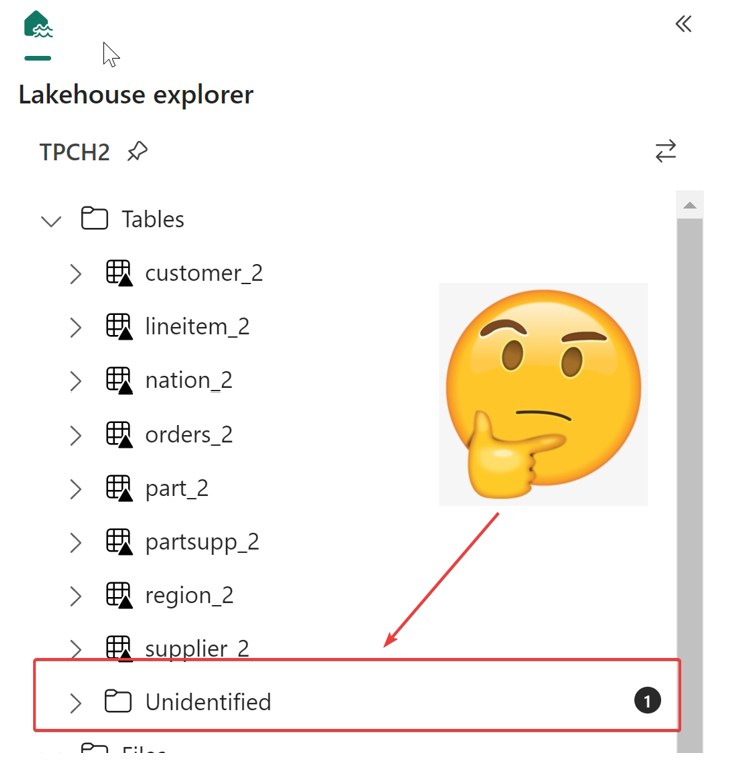
Easy - the Tables are managed section, i.e. the metastore and can't have files in it , only Delta tables are allowed. If you click on the unidentified, you will see the files written to the folder. If you are using spark, you may have used Tables/... instead of Files/... in your file path. The only solution is to delete the files/folder in the Lakehouse and write it to the Files.
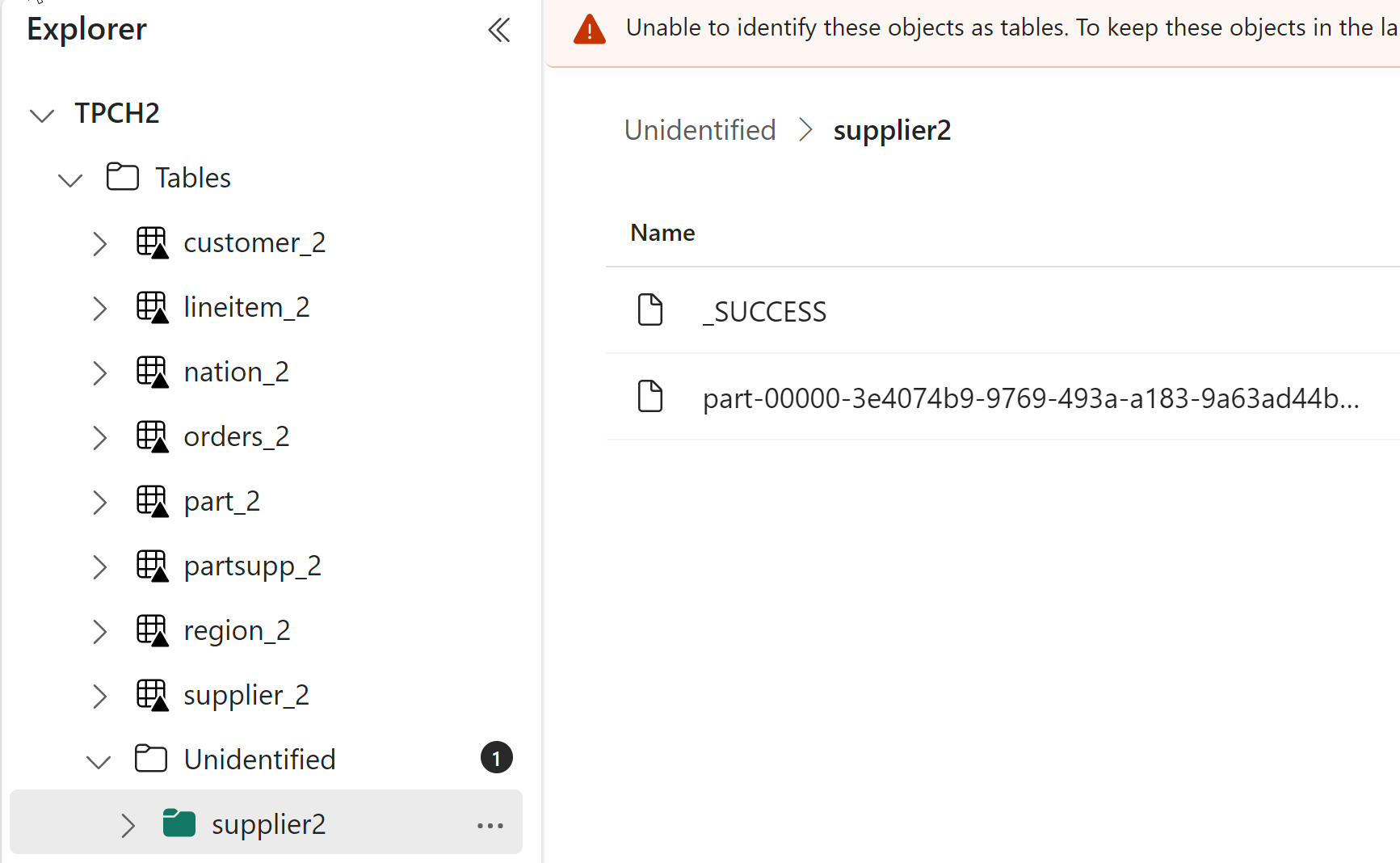
I wish Microsoft provided some helpful error messages here about what's happening and what to do about it.
Note that in some cases (e.g. Dataflow Gen2 and Shortcuts), you may see the Unidentified Folder temporarily. It should disappear after a short time. If it doesn't, check the folder and/or your transformations.